

pixels.cool
Inspire:Learn:Create
Latest Posts
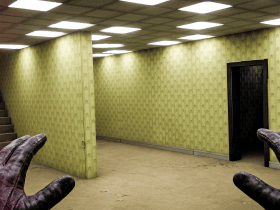
Part two of two: A Unity workflow to build and explore a 3D backrooms environment in Quest 3 VR.
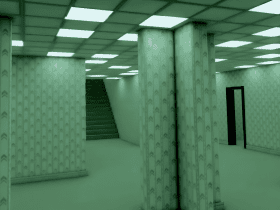
In part one of this two-part series we test a workflow between Unity and a Quest 3 VR headset. Join us on this unsettling journey as we prepare for Halloween!
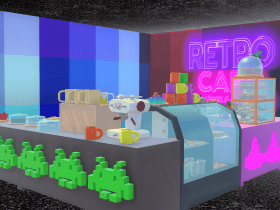
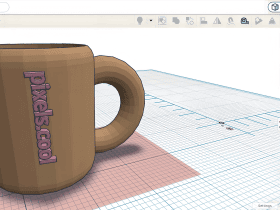
Learn how to import a free coffee shop asset into Unity and arrange individual 3D objects in the scene.
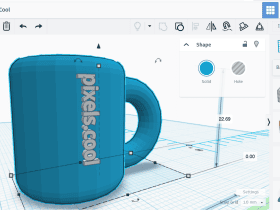
Learn to create a new Unity project and import 3D objects created in Tinkercad and Kenney Shape into a scene.
Don't miss our best from image editing month!



Let's create a project, import video clips and save the project


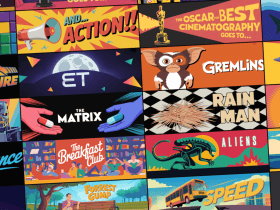
It's No Country for Old Men! Embark on a journey through your favourite movies of the 80s, 90s and 2000s with this puzzle from our brand new themed wordsearch book!

Embark on a retro gaming adventure with our new wordsearch book! Try this example puzzle from the book as we revisit the Gamesmaster TV show!

Looking to master video editing with Vegas Pro? Use our assets to create the perfect 'Project Stonehenge' promotional video!

We dive into elearning with Storyline 360! Learn to create a project with text, images, quizzes, and more!

Let's open an image and apply basic colour correction using GIMP



Back to the classics


Happy New Year and welcome to pixels.cool! Step inside to start learning and creating 🙂


Welcome to 2010 - The Vancouver Winter Olympics are starting 🙂