

Imagine being able to transform static images into dynamic animations that can grab attention and spark imagination! From TV intros and idents to social media ads, being able to create motion graphics is going to be an important element of your digital toolkit. Get ready to unlock the power of motion as we create a cool movie title sequence using Adobe After Effects. Beginners welcome!
The explainer series starts in a few days’ time and continues through September!
Adobe After Effects
The series of video explainers uses Adobe After Effects, an application designed to help you create many types of motion graphics:
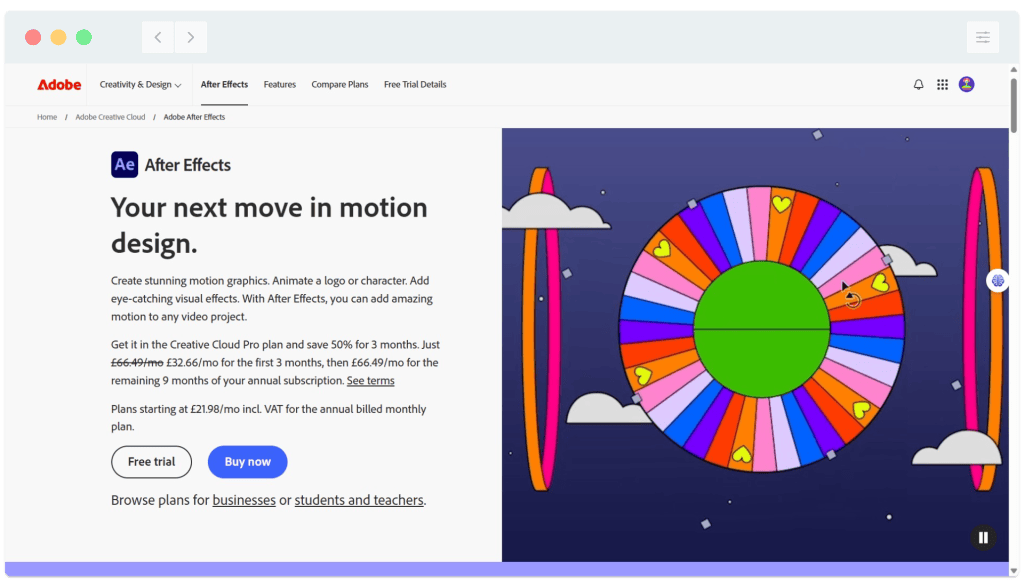
After Effects is a PAID application. A FREE trial is available, after which ongoing use requires a subscription. For pricing, see Adobe’s current pricing information. If you’ve never used After Effects, create a free account now, download the trial and be ready to follow along with this month’s explainers!
Examples of motion graphics
TV idents including these classic idents from Channel 4 in the UK are an example of motion graphics:
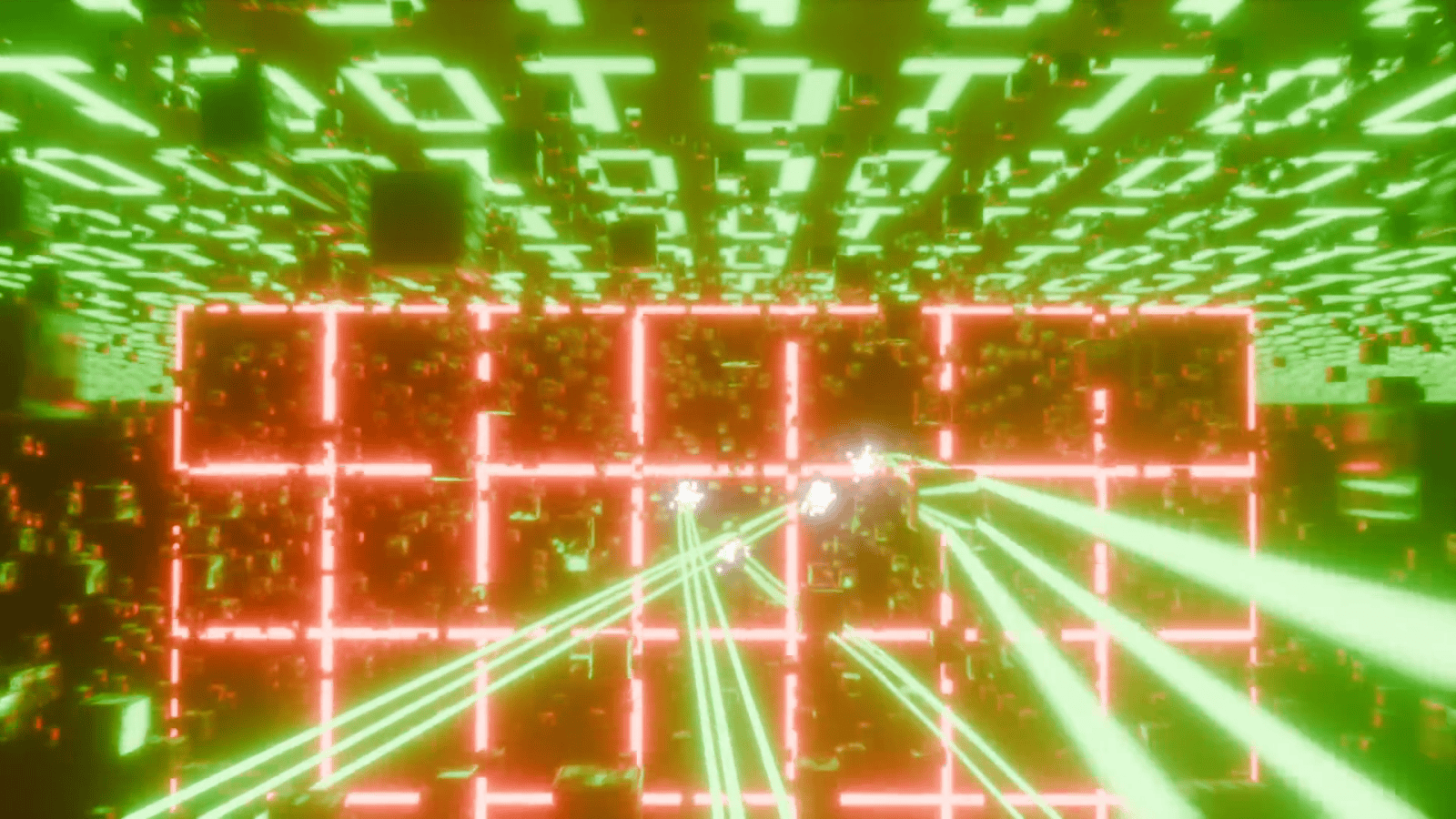
Full-screen animations such as this short sequence from the recently-released independent movie CTRL AI DELETE are motion graphics:
Animated movie and TV titles such as these examples from the BBC series ‘Sherwood’ and the classic C4 series ‘The IT Crowd’ are motion graphics:

Entire short films such as the After Effects-created ‘In Saturn’s Rings’, and the awesome animated photo-movie ‘The Old New World’ are comprised entirely of motion graphics:
…and here at pixels.cool we use After Effects to create the text animations at the start of our video explainers:

More motion graphics inspiration!
If you’re interested in the evolution of motion graphics, here’s Adobe’s introduction:
https://www.adobe.com/uk/creativecloud/animation/discover/motion-graphics.html
Websites with great animation in 2026:
https://schoolofmotion.com/blog/10-websites-with-great-animation-in-2026
More outstanding examples of motion graphics!
The movie trailer we’ll build in this series
Over the course of five explainers we’ll create the animated text sequence at the end of this trailer for our dystopian movie ‘Models: Sentient Shadow’
The five explainers in this series
- Tour the Adobe After Effects interface and create a new composition
- Animate text using built-in animation presets
- Animate text using keyframes and easy ease
- Add an expression to make a video flicker and animate a light flare
- Export the animated composition as an mp4 video
Notes and updates
There are no notes or advisories at this time. This page was last updated in September 2026.
pixels.cool is not responsible for the content of any external webpages or software downloaded from third party sites. Any links are included in good faith at the time of writing. All explainer content is compiled in good faith using processes and methods used by the team. Modern software provides users with many ways to accomplish a task, and for reasons of clarity we choose not to refer to multiple options. All computer users must run up to date virus / security software at all times to minimise risks of data loss.
