

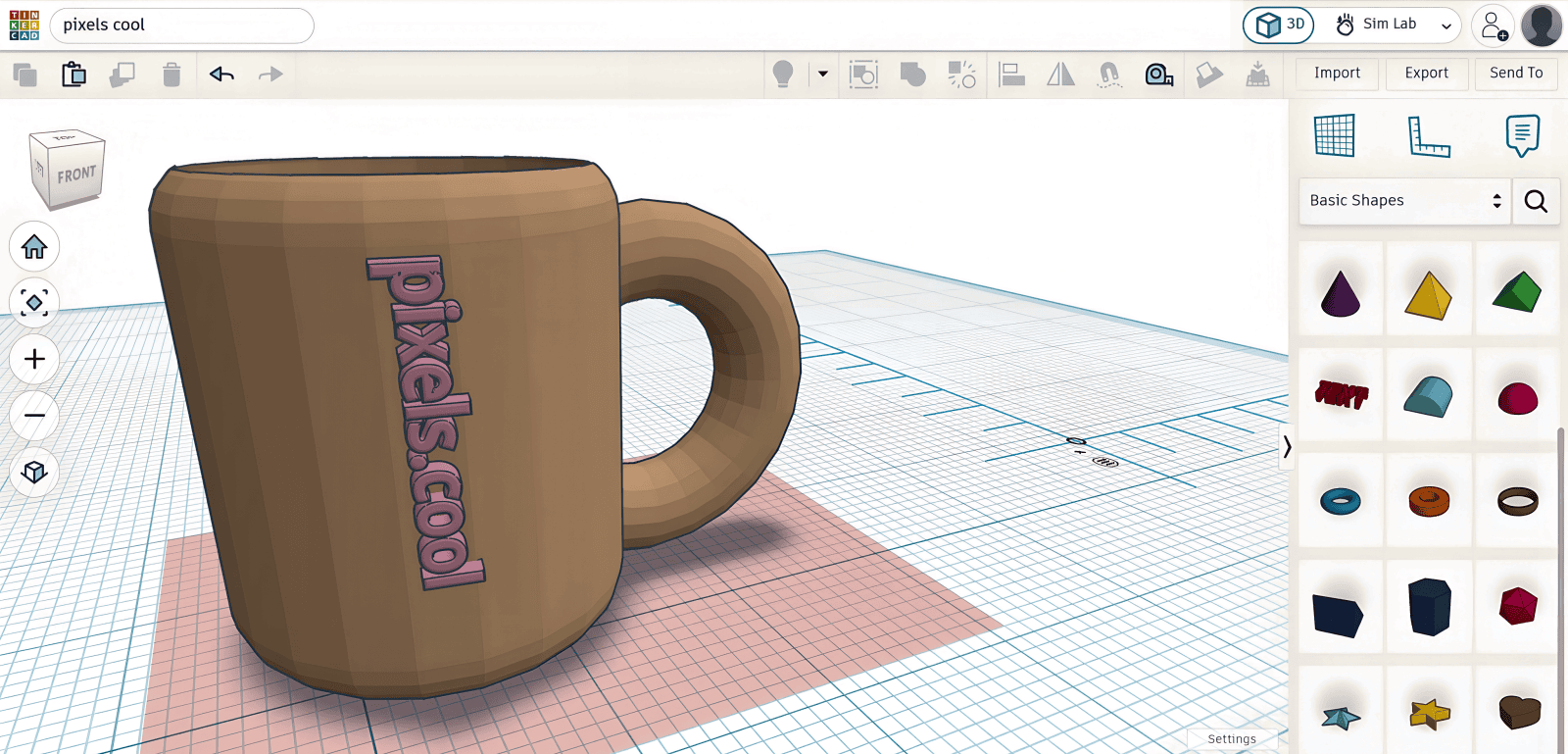
Join us this month as we create 3D objects using beginner-friendly applications including Tinkercad and Kenney Shape. We then add them to a 3D Retro Cafe scene in Unity!
Beginners are welcome, and you can choose to only watch the Tinkercad or Kenney Shape explainers if you like. Here’s how our simple 3D environment looks in Unity at the end of this series…

Why 3D modelling?
The ability to navigate (and create!) 3D environments is essential in 2026, and may even help you land the job of your dreams!
The more time you spend in 3D applications (such as Tinkercad, Kenney Shape and Unity), the more you realise it’s not about learning specific programs but about developing a transferable skillset. Your 3D skills can be applied to:
- Social media and marketing
- Game development
- Architectural visualisation (ARCHVIZ). If you’re not sure what this is, have a look at How to make an interior in Blender and The future of architectural visualisation
- 3d modelling
- Animation
- Computer Aided Design (CAD)
- 3D printing
- Creating teaching and training resources
In this month’s series of eight explainers we’ll
- Get tooled up (Including creating accounts for Tinkercad , Kenney Shape and Unity)
- Learn to navigate in 3d and add 3d shapes to a Tinkercad scene
- Combine 3d shapes to create a coffee mug in Tinkercad
- Export the coffee mug as a 3D OBJ file
- Learn to use Kenney Shape and export a built-in 3d object
- Use Kenney Shape to ‘trace’ a Space Invader and build a 3d object
- Create a Unity project and import our 3d objects
- Import a free Unity coffee shop asset and add our 3D objects
Can’t wait to get started? Watch all the explainer videos now on pixelscoolTV!
Click below to view our dedicated ‘live’ channel featuring all the video explainers in this series, back to back. Very soothing 🙂
Next month we’ll continue the 3D modelling theme as we hone our modelling skills using uModeler, one of the most popular, low cost 3D modelling tools, which allows you to model directly inside Unity:
Join us in a few days when we’ll kick off the series and introduce Tinkercad and Kenney Shape.
This series is suitable for beginners, though new Unity users may also find Unity’s own learning materials helpful.
