

From the animation when you power on your computer…
…to the start-up animation of your favourite retro gaming consoles…
…to the idents from your favourite TV news channel…
…and entire TV show intros…
Motion graphics have existed for decades – The only difference in 2026 is that you can create your own with a regular laptop and Adobe After Effects!
Our motion graphics explainer series will use Adobe After Effects, which puts a powerful motion graphics and animation toolkit at your fingertips!

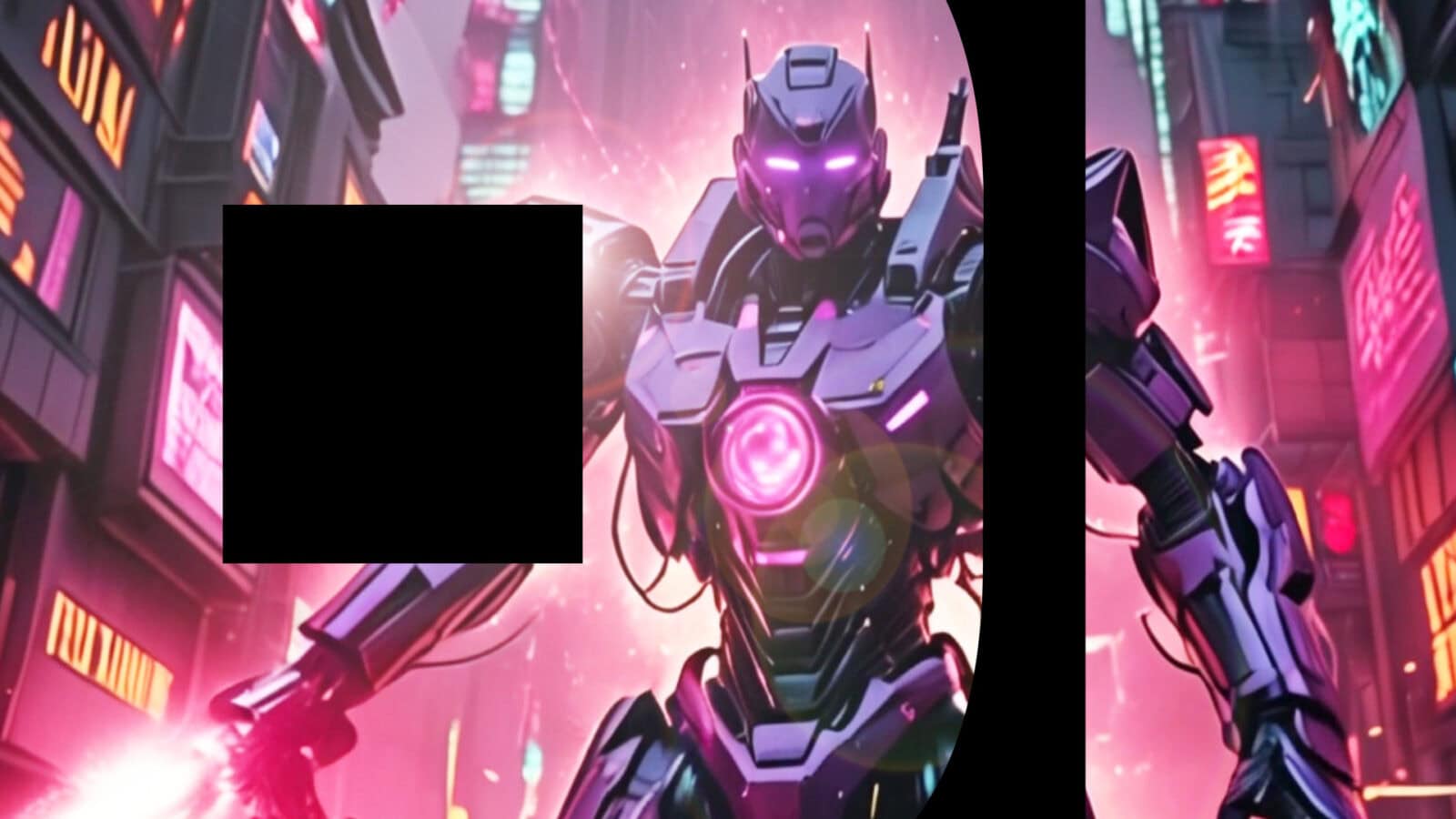
We’ll use After Effects to create the short title text animation at the end of this trailer for our fictional movie ‘Models: Sentient Shadow’:
We’ll learn how to navigate the After Effects interface, create and save compositions, add text and video clips to layers, animate text using keyframes and use built-in animation and flare effects!

https://www.adobe.com/uk/creativecloud/animation/discover/motion-graphics.html
Of course, there’s always the ‘No CGI’ method 🙂
