


All our workflow explainers are waffle-free and work-tested. That’s the pixels.cool guarantee!
Export a coffee mug model from Tinkercad in OBJ format
Overview
Name of explainer: Export a coffee mug from Tinkercad in OBJ format
Creative theme: Beginning 3D Modelling
Software used (for this explainer): Tinkercad
User level: BEGINNER
This is explainer 4 of 8 in this series
This series includes:
- Get tooled up for this explainer series
- Navigate the Tinkercad interface, add 3d objects to the workplane and rotate & scale them
- Create a coffee mug in Tinkercad
- Export a coffee mug from Tinkercad in OBJ format
- Navigate the Kenney Shape interface and edit built-in objects
- ‘Trace’ a Space Invader image in Kenney Shape to create a 3d object and export it in OBJ format
- Create a new Unity project and import the objects created in Tinkercad and Kenney Shape
- Import a free Unity coffee shop asset and place our 3D objects in the scene
The Software
This series of explainers uses three separate programs:
Tinkercad for introducing basic 3d navigation, scaling and rotating shapes, combining them and exporting 3d objects. Tinkercad is completely free and runs in a web browser. Get yourself a free account now!
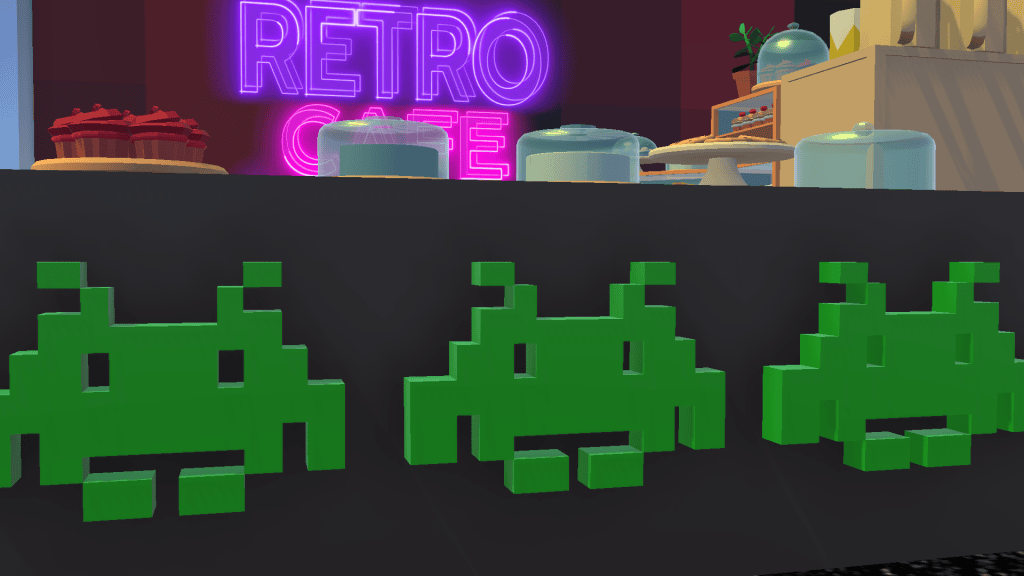
Kenney Shape, for ‘tracing’ a 2d image to turn it into a 3d object and export it. At time of writing Kenney Shape costs less than £5 / $5. We’ll be creating and exporting a 3d Space Invader in explainers five and six:

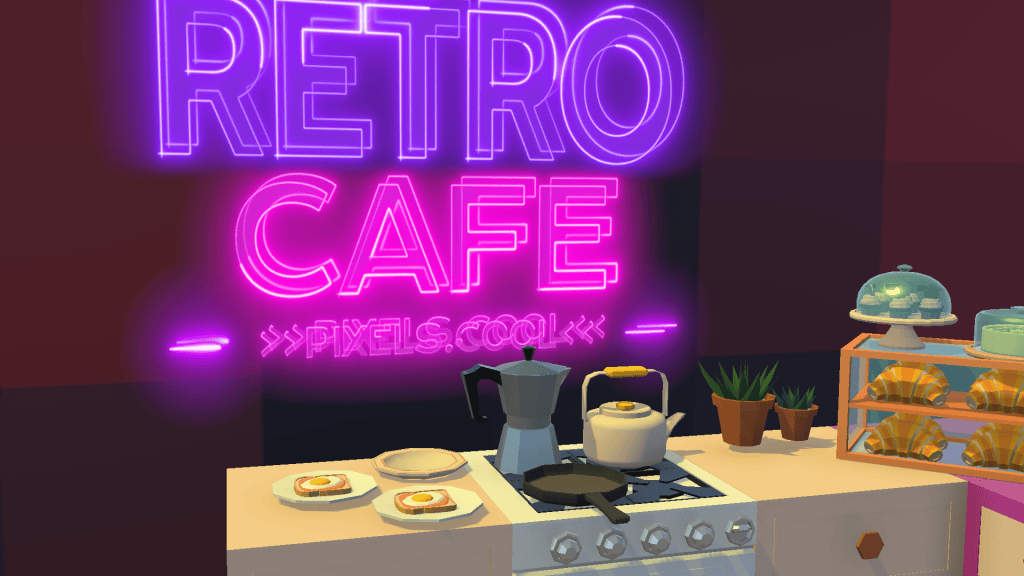
Unity for importing 3d objects, assembling them into a scene and applying simple textures and lighting. Unity is FREE for personal use. We’ll start assembling our Retro Cafe in explainers seven and eight:
3D Objects created in this series
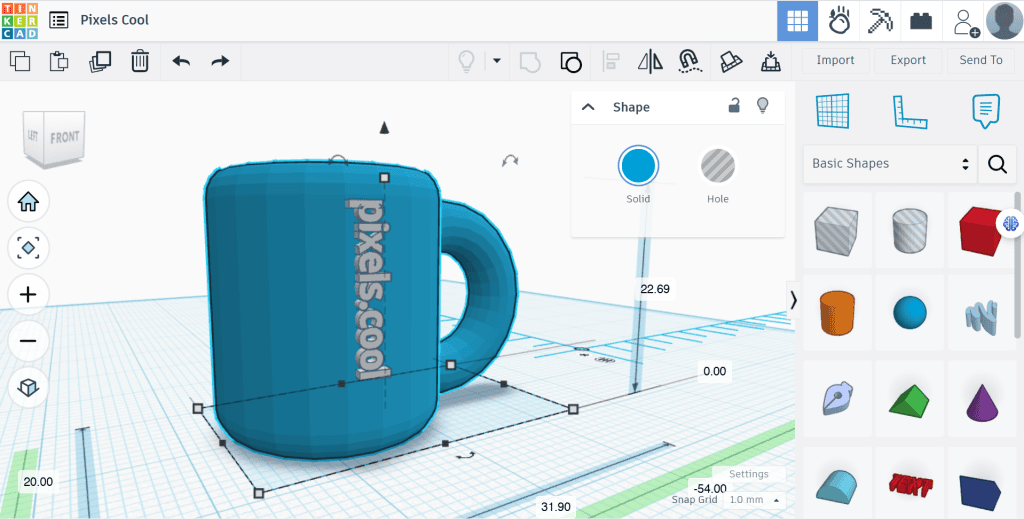
Using a general theme of ‘Objects for a Retro Cafe’, in this explainer we’re going to export the coffee mug we’ve already created in Tinkercad:

Later in this series we’ll ‘trace’ a 2d image of a Space Invader in Kenney Shape to turn it into a 3d object, which could be used as wall-art or even as a cookie template in our retro cafe!
…We’ll also have fun with Kenney Shape’s built-in retro objects:

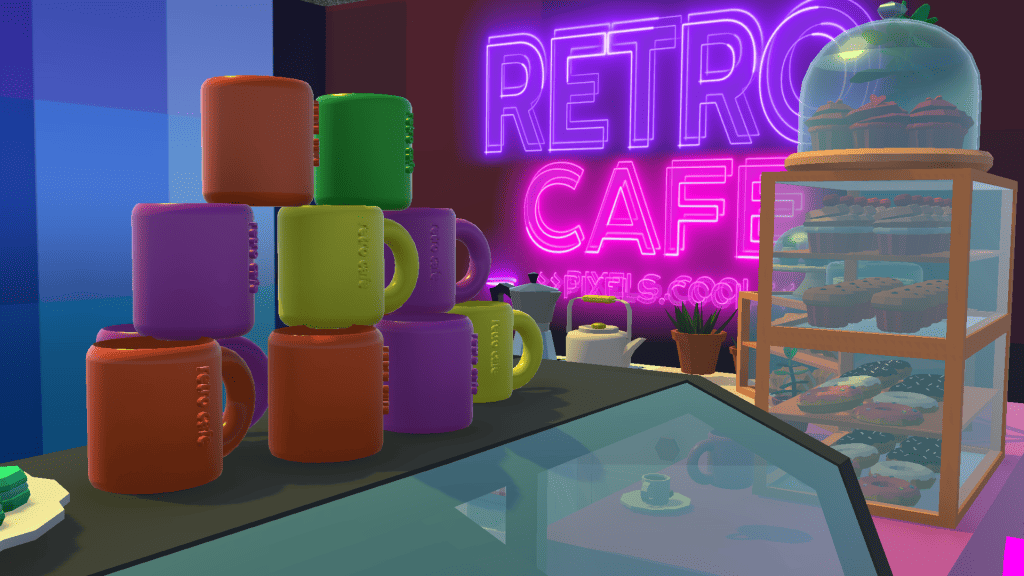
Finally, we’ll bring our saved objects into Unity and start blocking out a 3d cafe scene!

The pre-requisities
This is a BEGINNER explainer series, starting with beginner-friendly software. You need to have a basic knowledge of using Windows and downloading and installing software to follow this series. Tinkercad and Kenney Shape are beginner-friendly programs. Unity is a complex application and is not recommended for new computing users. For introductory courses and videos for Unity, check out Unity Learn
Why would I do this?
Being able to export 3D objects is important in order to 3D print your object or import the model into Unity or Unreal to use in a game level or interactive scene.
Tinkercad includes various export options including the popular OBJ format used here.
Let’s do it!
Click the play icon to watch this explainer video. Subtitles are available – Click the settings cog at the bottom right for options. You can watch this video full-screen by clicking the full-screen icon at the bottom right.
Good to know
Tinkercad includes various export options. We use the OBJ format in this video explainer, which is supported by most 3D software and is a useful ‘go to’ if you’re new to modelling and not sure which option to choose.
If you’ll be 3D printing a model, STL format is a prefered option. Information about the STL format.
More about the GLTF format.
For detailed information about the pros and cons of the various 3D filetypes, have a look at this excellent guide from all3dp
Where to next?
This is the end of our short learning journey with Tinkercad (though not the end of this explainer series!). Although Tinkercad is easy to get started with, it includes a lot of additional functionality. We started by creating a new ‘3D design’. There are two other project types available:
‘Circuit’ and ‘Codeblocks’:

Official guide to Tinkercad circuits and the Tinkercad guide to codeblocks
Tinkercad incorporates its own learning center, accessed from the menu at the top of the dashboard:

Here are additional Tinkercad resources we hope you’ll find useful:
Let’s make a Minion!
Tinkercad webinar Teachers’ series
In the next explainer we’ll introduce ‘Kenney Shape’, a low cost program for modelling 3D shapes brick by brick. Download Kenney Shape now and see you for explainer five!
Remember, this is part of a series of explainers – Join us again for the other explainers in the series 🙂
Notes and updates
There are no notes or advisories at this time. This video explainer was last updated in April 2023. This page was last updated in September 2025.
We at pixels.cool are not responsible for the content of any external webpages or software downloaded from third party sites. Any links are included in good faith at the time of writing. All explainer content is compiled in good faith using processes and methods used by the team. Modern software provides users with many ways to accomplish a task, and for reasons of clarity we choose not to refer to multiple options. All computer users must run up to date virus / security software at all times to minimise risks of data loss.
This is number 4 of 8 explainer videos in this series. Make sure you join us for the others!
