

Every month we focus on a different digital theme. Appropriately enough for Oscars month, video editing is our March topic!
We’ll bring you video editing explainers throughout this month, as we create a springtime video with a chilled-out vibe! This is what we’re going to cover…
- Get started with Vegas Pro or Adobe Premiere
- Add video clips to the timeline and arrange them
- Add transitions and fades between video clips
- Add text titles and a soundtrack
- Export a video sequence to an MP4 video file
All our explainers are suitable for BEGINNERS, so if you’ve never used a video editor before you’re going to be fine!
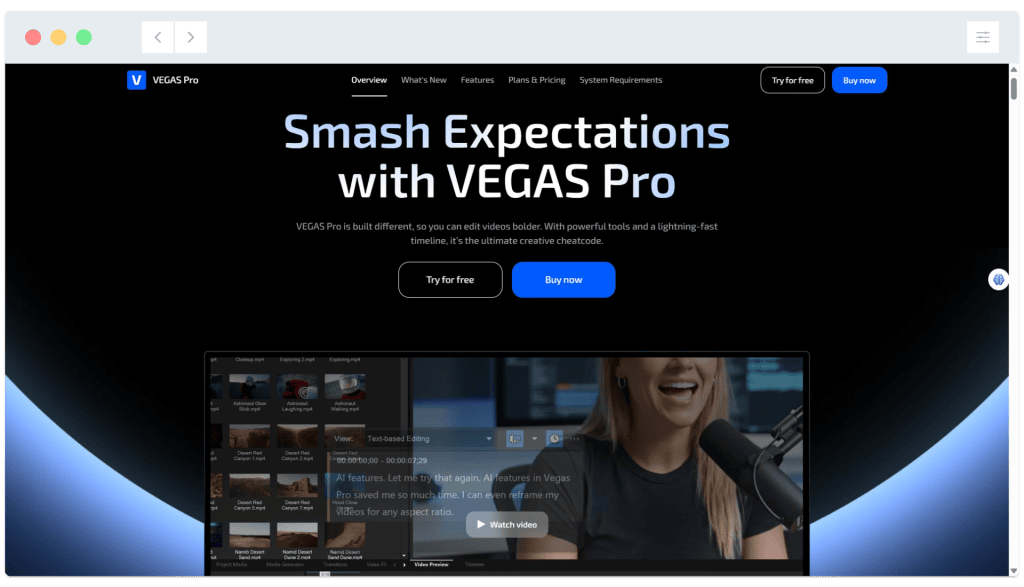
Vegas Pro is at version 23 as at March 2026. A FREE trial is available, and the software can be purchased for a one-off fee or on a rolling subscription basis:

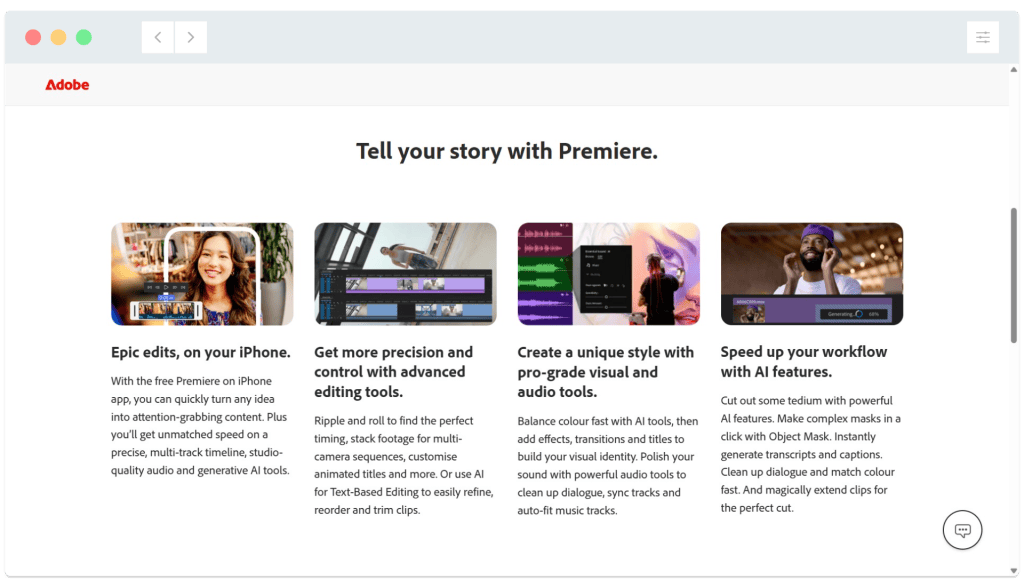
Premiere is part of Adobe’s ‘Creative Suite’ of applications. It was known as Premiere Pro until January of this year. A FREE trial is available for new users, and the software can then be purchased on an ongoing subscription basis:

If you’d prefer to work with an AI-powered video editor, we’re going to be taking a look at runway.ml later this year!

