

All our creative explainer series are waffle-free and work-tested. That’s the pixels.cool guarantee!
Generate wordsearch puzzle number images and artwork using Generative AI
Overview
Name of part 3: Generate puzzle number images and artwork using generative AI
Creative theme: Design and publish a puzzle book using Book Bolt Studio and Amazon KDP
Applications used: Book Bolt Studio, Amazon KDP, Image editing software (E.g. Photoshop or Paintshop Pro), Replicate AI (For AI image generation), MS Word
User level: BEGINNER
This is part 3 of 6 in this series
This series includes:
- Plan the book and overview the applications used
- Create a Wordsearch puzzle in Book Bolt Studio
- Generate puzzle number images and artwork using generative AI
- Design the book cover and assemble puzzle pages in Photoshop or Paintshop Pro
- Assemble the manuscript in Word
- Publish the book using Amazon KDP
The published book at the end of this series
‘These are the Classic Movies wordsearches you’re looking for!’ is live on Amazon now:
The design, build and publish process in 2 minutes!
This creative design series is complete in six parts. Here’s the entire process from creating lists of movie-themed words through to publishing the book using Amazon KDP in two minutes 🙂
A short introduction to AI image generation
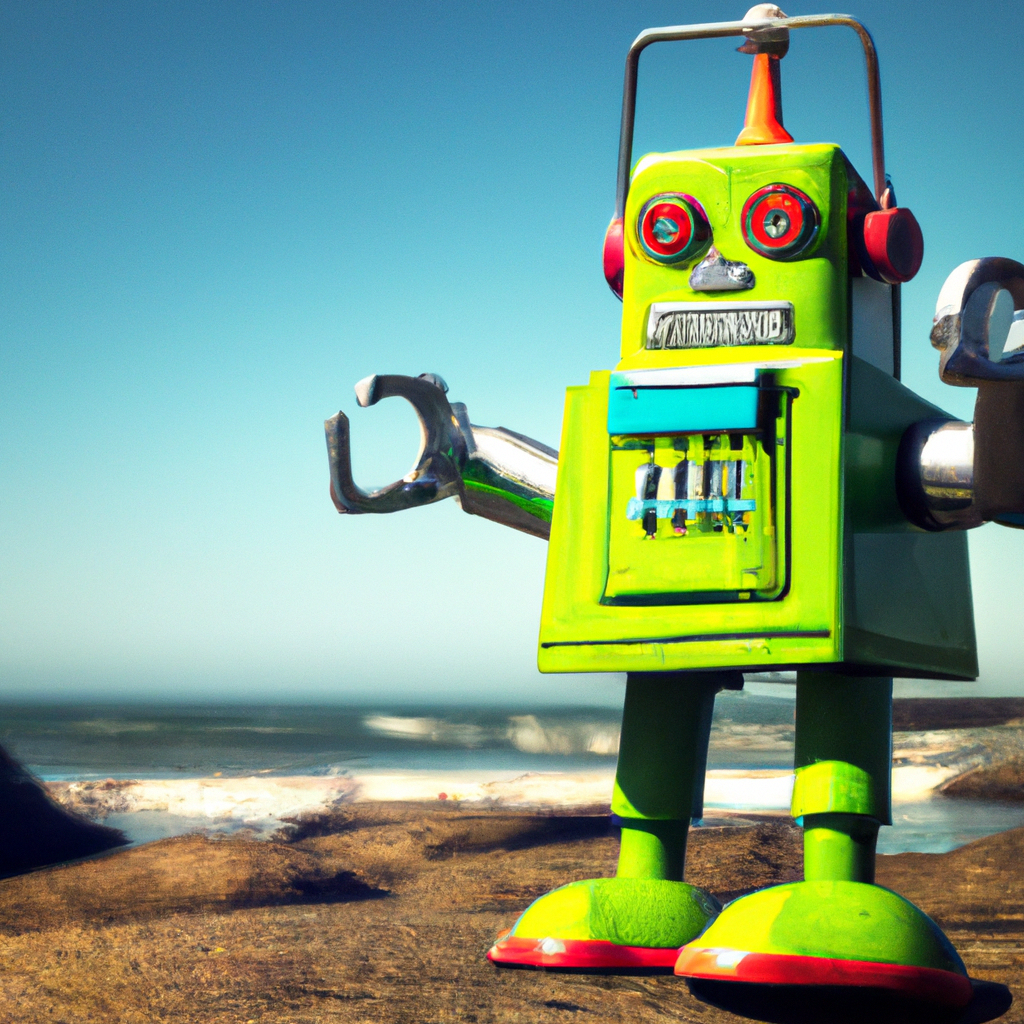
Since the arrival of ChatGPT near the end of 2022, the rush has been on to build AI models capable of generating impressive images using from just a text prompt. Since then, we’ve gone from being able to generate low-resolution stylised images such as the robots below, which we created using DALL-E 2 in June 2024 for our ‘Summer of AI’ series…


To these images, which we generated in January 2026 as an indicator of how far AI image generation has already evolved:

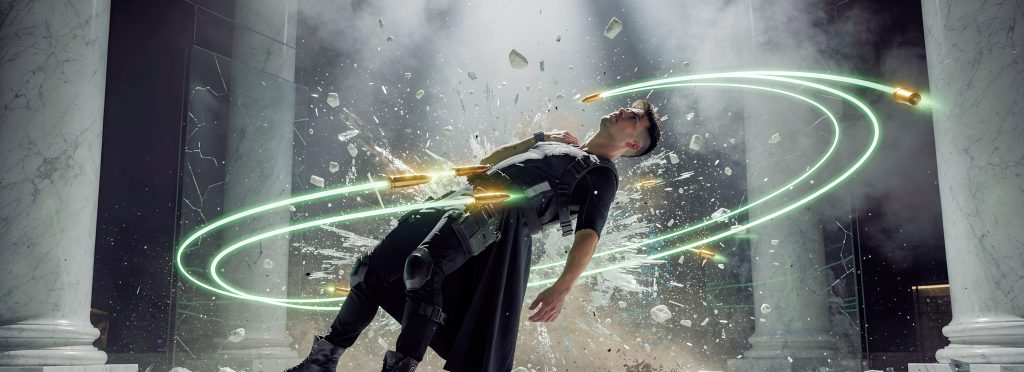


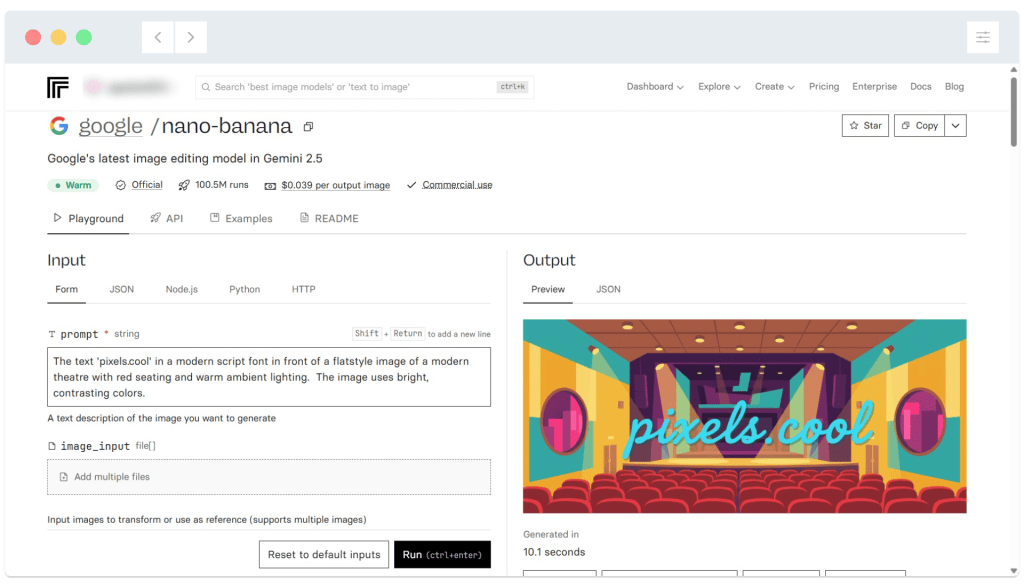
Right now in June 2026, there are hundreds of free and paid apps available to help you generate images. Over the last year we’ve found replicate.com has become our go-to site for AI assistance, as they curate and rate a vast array of models which can be accessed on a pay-as-you-go basis (rather than needing to pay a set monthly fee) to generate images, video clips, audio and more!
Create number images for the puzzle pages
For this ‘Classic Movies’ wordsearch book, we’re going to create a square image for the puzzle number, to include at the top left of each puzzle. To add variety, each group of 10 images (E.g. Puzzles 1-10, 11-20 etc) will use a different ‘theme’, such as cinema spotlights or the Hollywood hills. Here’s how to generate stylised number images at replicate.com (You will need to create an account first, and image generation is paid for on a pay as you go basis):
01: Select an image generation model. For this set of ‘number’ images we’re going to use ‘ideogram v2a turbo’, which is a general purpose, quick model with an approximate cost of 40 image generations for $1 (around 2.5 cents or 2 pence per image). We’re requesting a square (1:1) image and using the ‘render 3d’ style:
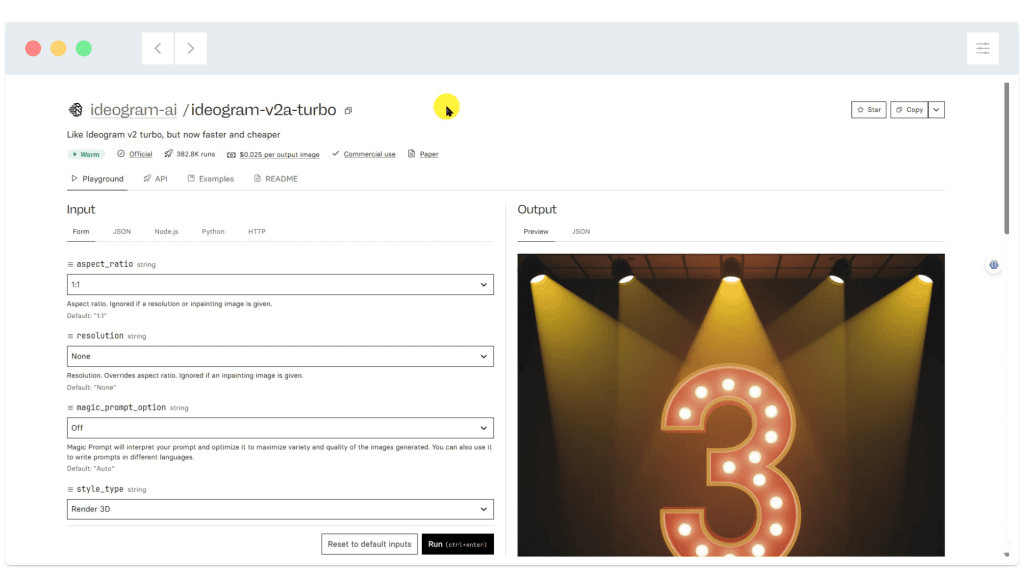
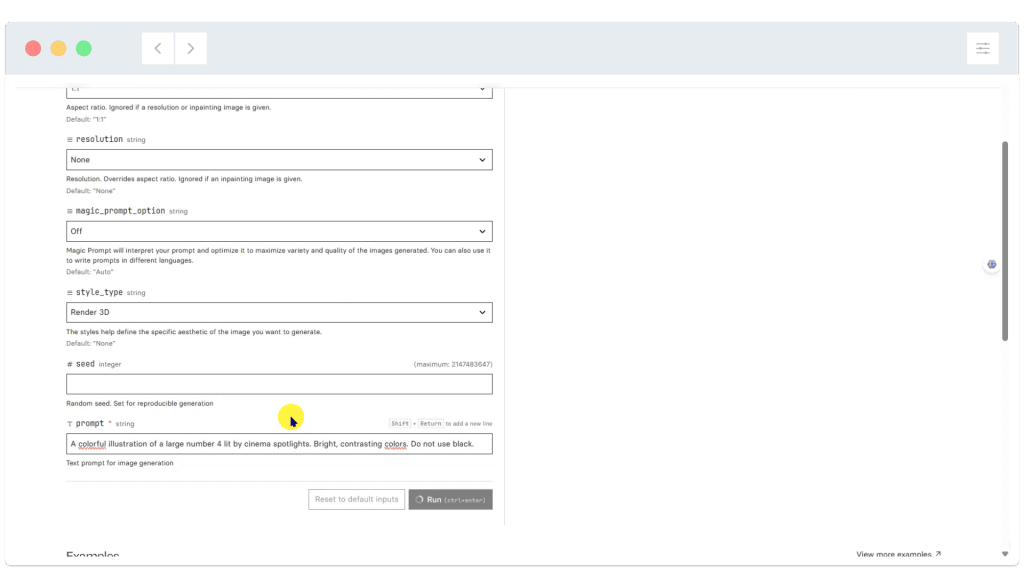
02: Scroll down to view the additional options. As you can see, we’ve used the prompt ‘A colorful illustration of the number 4 lit by cinema spotlights. Bright, contrasting colors. Do not use black’. Click the ‘Run’ button to generate the image:
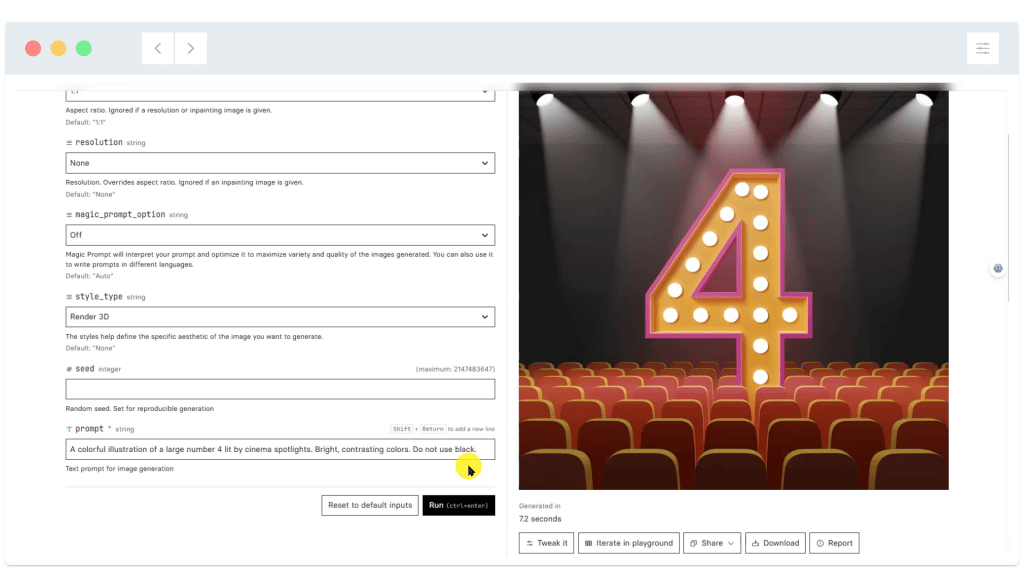
03: The image generation process takes around 5 seconds. If you’re not happy with the result, you can update the prompt if needed then click the ‘Run’ button again. To download a created image, click the ‘Download’ button below the image:
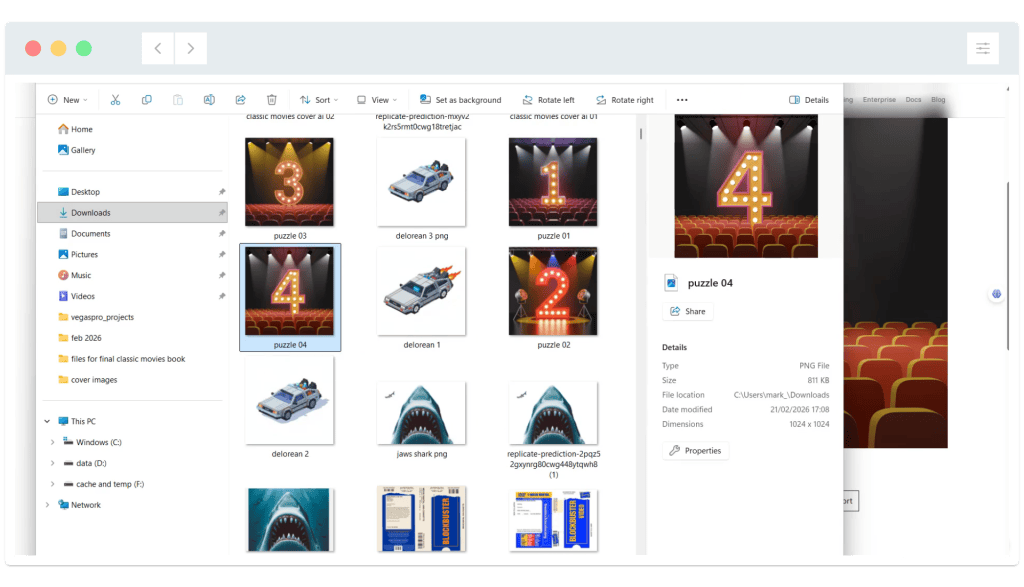
04: Rename the saved image to something meaningful. In this case, ‘Puzzle 04’ will be fine. As you can see, this is the fourth image we’ve generated so far as part of this sequence of 10 images, which will be used for puzzles 1-10:
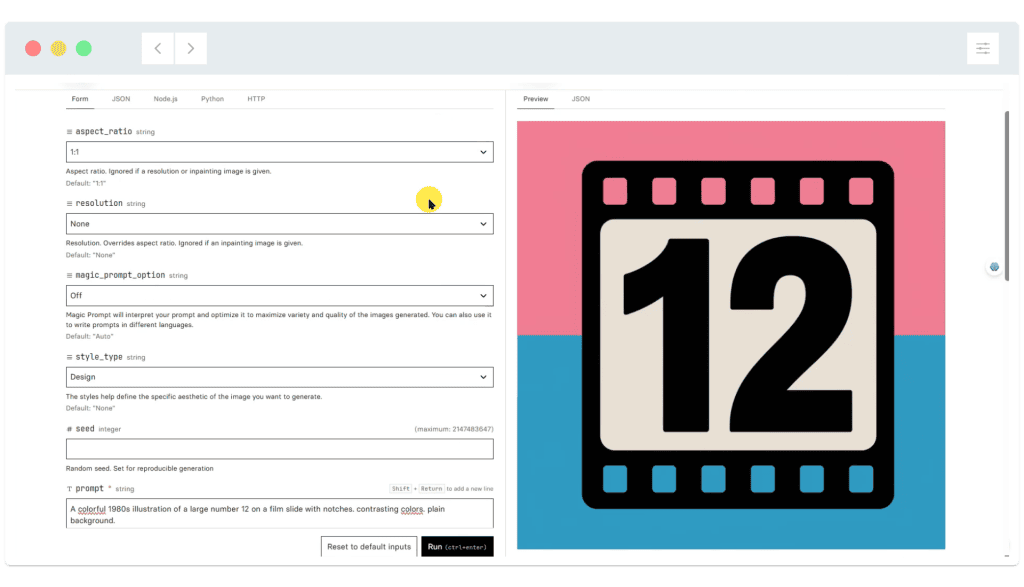
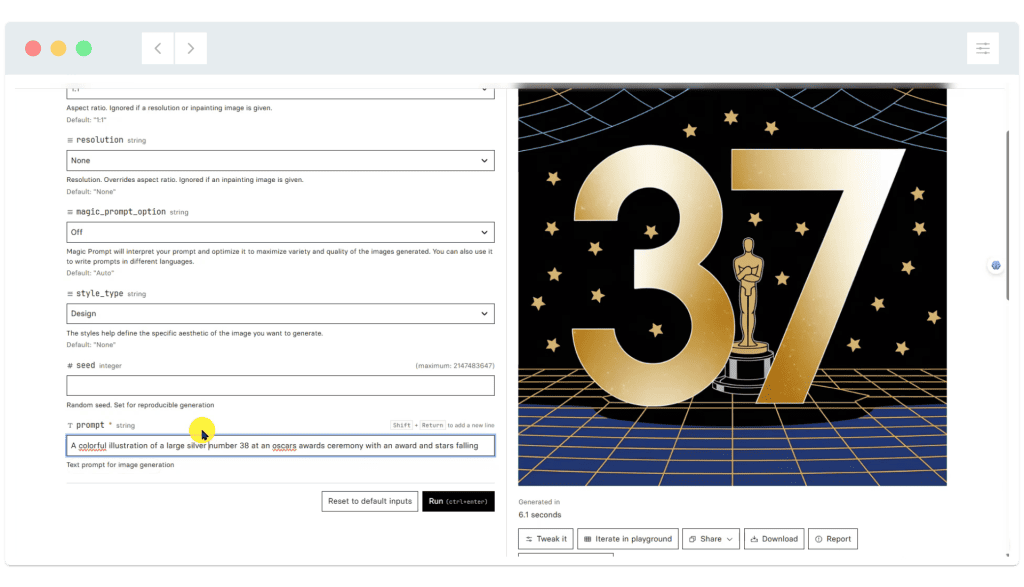
05: Continue to create and save images. Here are more screenshots from some of the ‘later’ puzzle number images:
Tips for using image generators:
- Start with a ‘simple’ prompt. Include additional descriptive information if the initial results are not successful.
- Lots of models include an option to use a ‘magic prompt’ (or similar). When switched on, this takes your prompt and expands on it based on what it thinks will work better for the specific model. In this case, we didn’t use this option.
- Remember you can include ‘colour’ information in the prompt. We found that asking for ‘bold, contrasting colors’ helped to get the results we needed. Contrasting colours are also important as the book will be printed with black and white puzzle pages.
- When viewing the available image generation models, note the approximate ‘cost per generation’. Newer, more complex models will cost more. As we only need simple, bold, stylised images there will be no benefit to using a model capable of creating high resolution, photo-realistic images!
Create banner images for each puzzle
For the ‘Classic Movies’ wordsearch book, we’re going to generate wide images to include at the top right of each wordsearch. Each image will introduce the topic / theme of the current puzzle, such as ‘Forrest Gump’ or ‘The Oscars’. Here’s how to generate themed puzzle images at replicate.com:
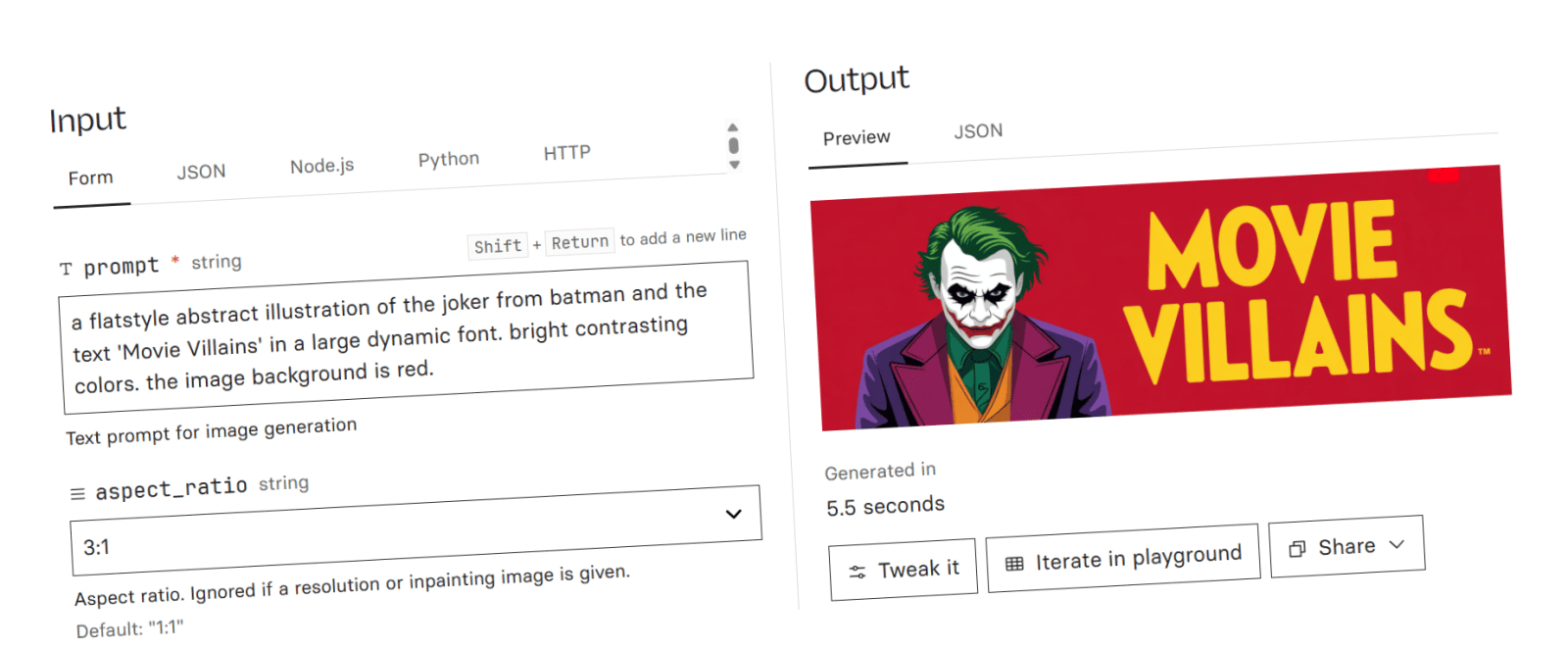
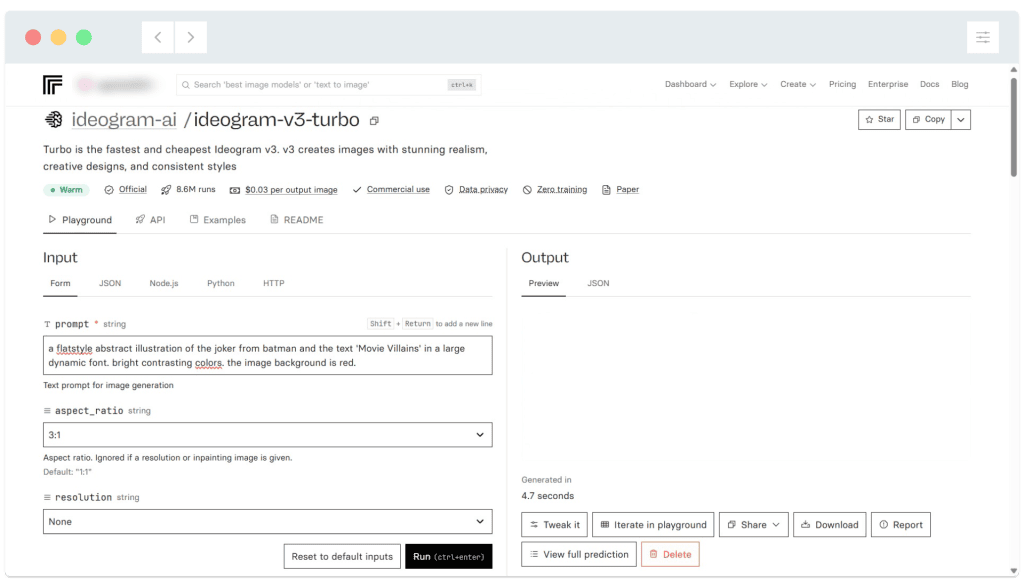
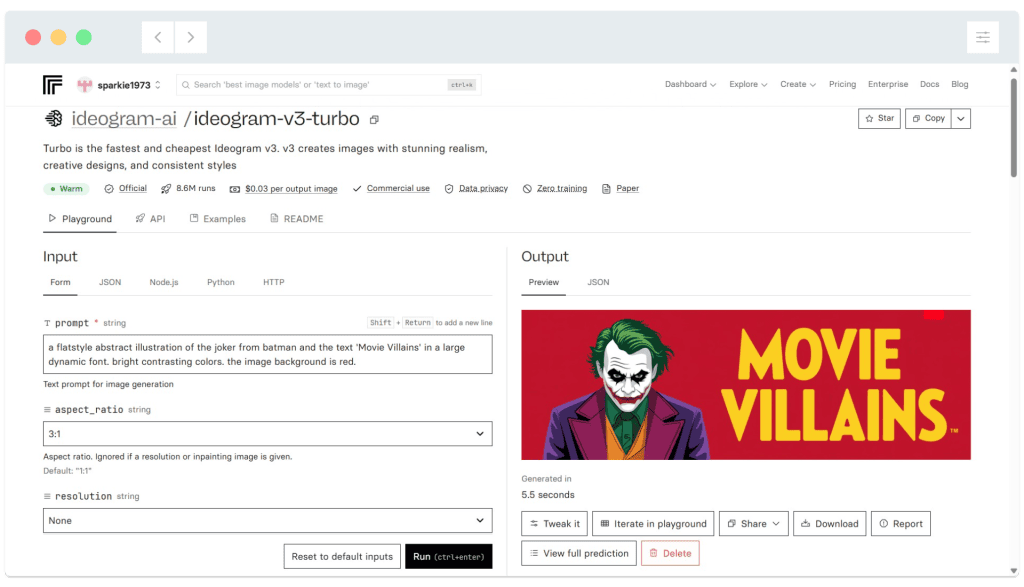
01: For the banner images, we’ve selected the image generation model ‘ideogram v3 turbo’. One of the benefits of this model is that it supports ‘super wide’ images, such as an aspect ratio of 3:1, making it perfect for our puzzle banners. Below, you can see the prompt we used to generate the ‘Movie Villains’ puzzle banner:
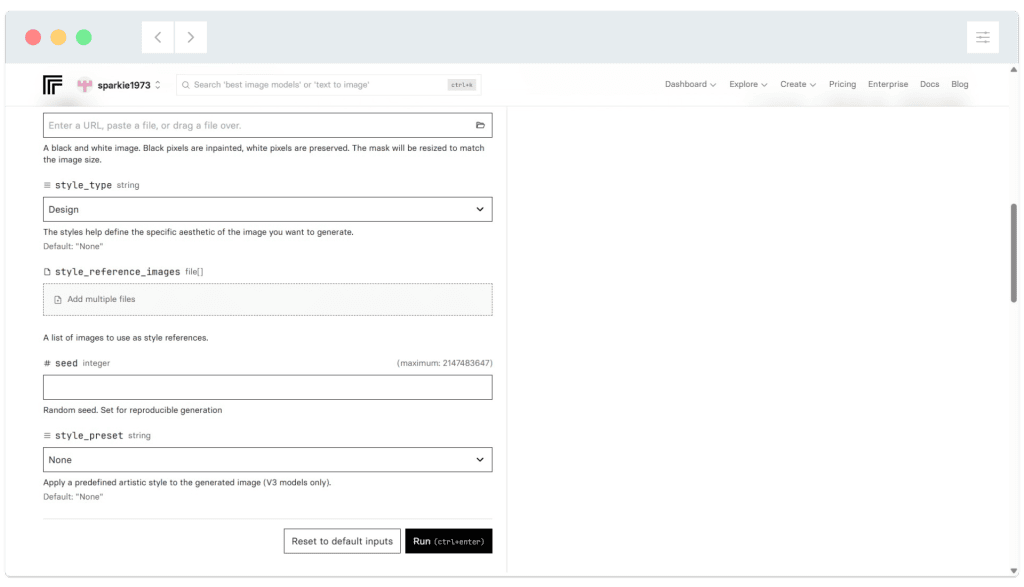
02: Scroll down to view additional settings. We’ve set the ‘style type’ to ‘design’. Click the ‘Run’ button to generate an image:
03: The image generation process takes around five seconds. You can see an example result below. If you’re not happy you can click the ‘Run’ button again, or update the prompt to include additional detail / colour information:
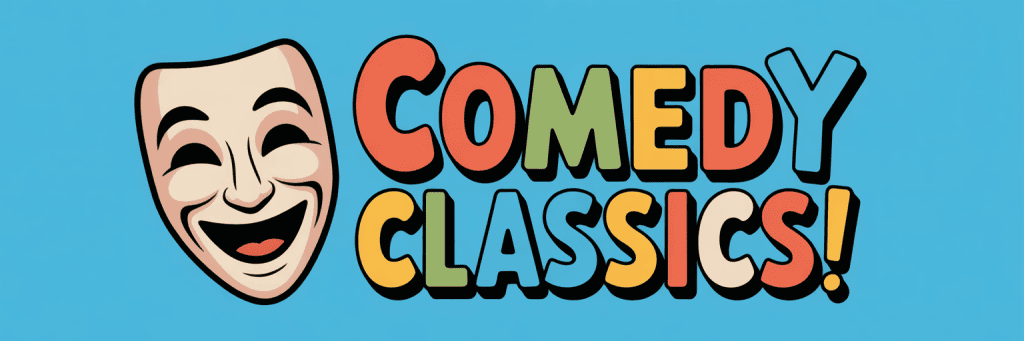
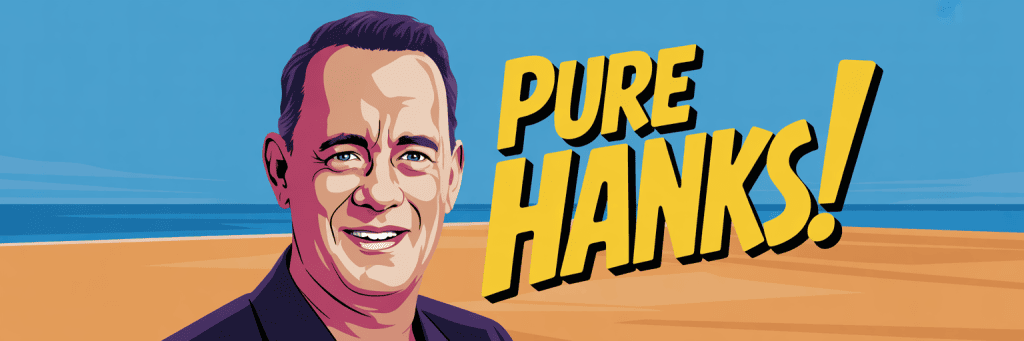
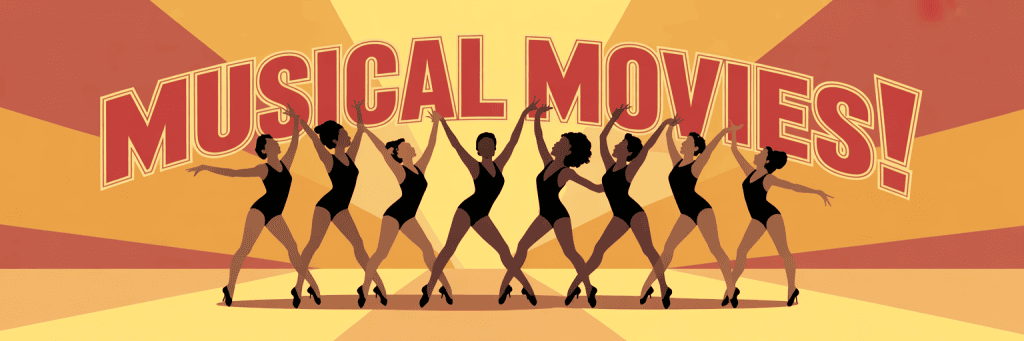
Here are more examples of generated banner images, some of which made it into the final book:

The finished, published book
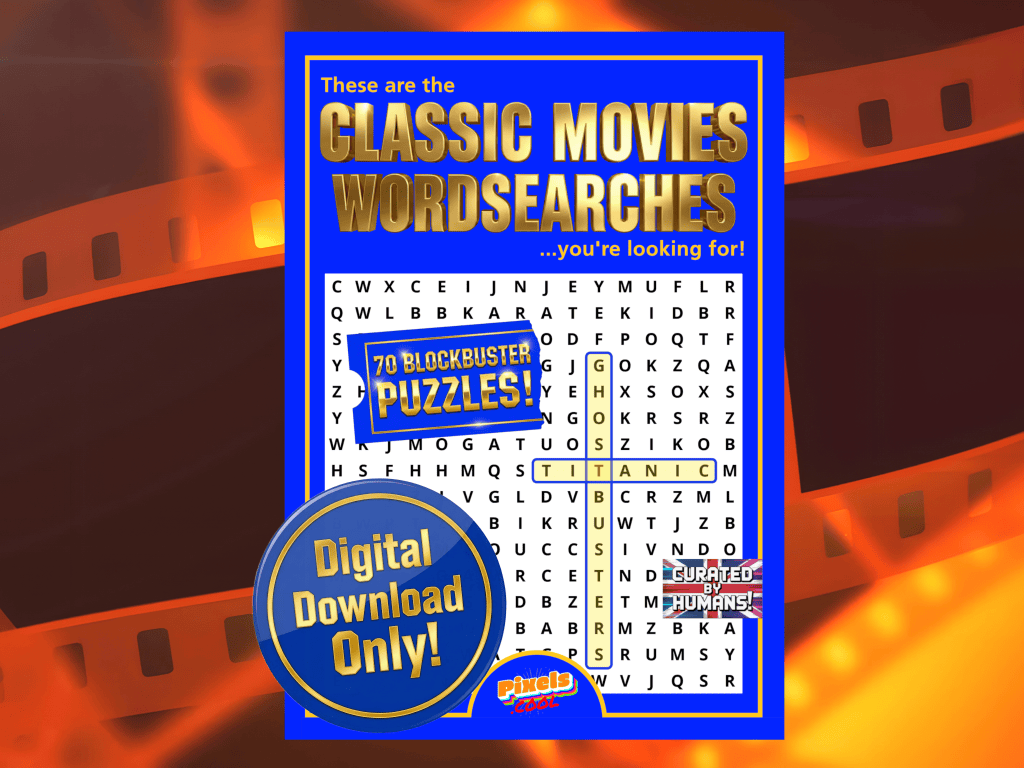
‘These are the Classic Movies Wordsearches you’re looking for’ is available now at Amazon!
…and as a digital download from Etsy!
Need help? We’ve got you!
We have a dedicated support email address to provide assistance for this series:

If you have a question about any of the processes shown, please get in touch! You can also request copies of the wordsearch / image assets we use so you can try them for yourself!
Note: This email is for help relating to this series only, until the end of September 2026. We aim to reply within 72 hours, weekdays only. We cannot respond to unrelated queries via this account.
What’s next?
In part four of this series we’ll use an image editing program (such as Photoshop or PaintShop Pro) to design the puzzle book cover and combine the puzzle artwork and wordsearch grids into puzzle pages. Join us in a few days’ time!
Notes and updates
There are no notes or advisories at this time. This page was first published in June 2026.
pixels.cool is not responsible for the content of external webpages or for software downloaded from third party sites. Links are included in good faith at the time of writing. All explainer / walkthrough content is compiled using processes and methods used by the Team. Modern applications offer many ways to accomplish a task, and for reasons of clarity we choose not to refer to multiple options. All computer users should run up to date virus / security software at all times to minimise the risk of data loss.
This is part 3 of 6 of this creative series. Make sure you check out the others!
