

All our creative explainer series are waffle-free and work-tested. That’s the pixels.cool guarantee!
Plan the puzzle book and overview the applications used
Overview
Name of part 1: Plan the book and overview the applications used
Creative theme: Design and publish a puzzle book using Book Bolt Studio and Amazon KDP
Applications used: Book Bolt Studio, Amazon KDP, Image editing software (E.g. Photoshop or Paintshop Pro), Replicate AI (For AI image generation), MS Word
User level: BEGINNER
This is part 1 of 6 in this series
This series includes:
- Plan the book and overview the applications used
- Create a Wordsearch puzzle in Book Bolt Studio
- Generate puzzle number images and artwork using generative AI
- Design the book cover and assemble puzzle pages in Photoshop or Paintshop Pro
- Assemble the manuscript in Word
- Publish the book using Amazon KDP
Planning the puzzle book
We’ve previously published two books on Amazon using a variety of design apps and Amazon KDP (Kindle Direct Publishing). You can see them both live on Amazon right now! Click to view sample pages:
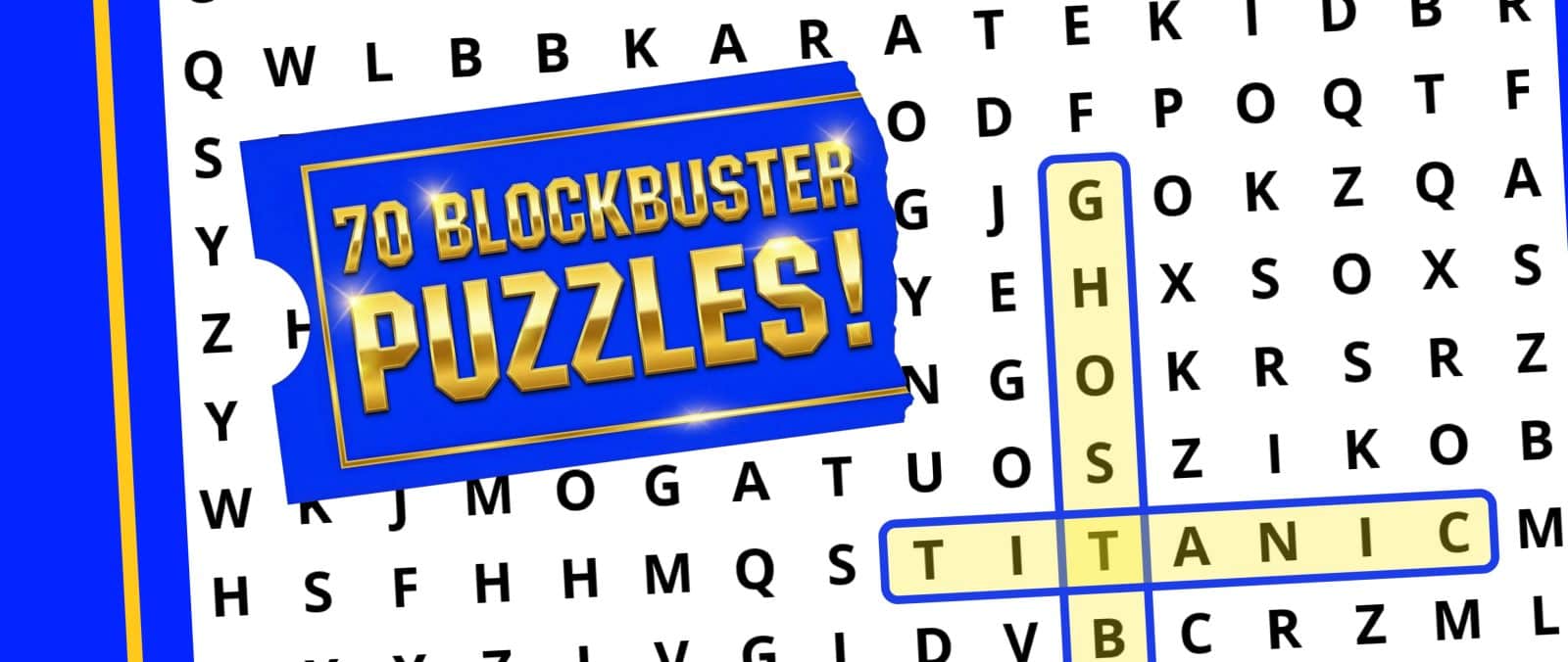
We enjoyed publishing our Retro Gaming wordsearch book last year, so thought we’d create a follow-up, along with building this six-part guide just for you! In this series we’ll walk through the main processes used to create ‘These are the Classic Movies wordsearches you’re looking for!’:
NOTE: This series focuses on the creative / design process including creating puzzles, image assets and the book cover. This is not a step-by-step guide to using Amazon KDP or to marketing a book!
The applications used
Book Bolt Studio: This paid-for, browser-based application can help to create many types of puzzles including Word Searches and crosswords. It also includes templates for ‘low content’ books including planners and diaries. Monthly, yearly and ‘lifetime’ subscriptions for Book Bolt are available:
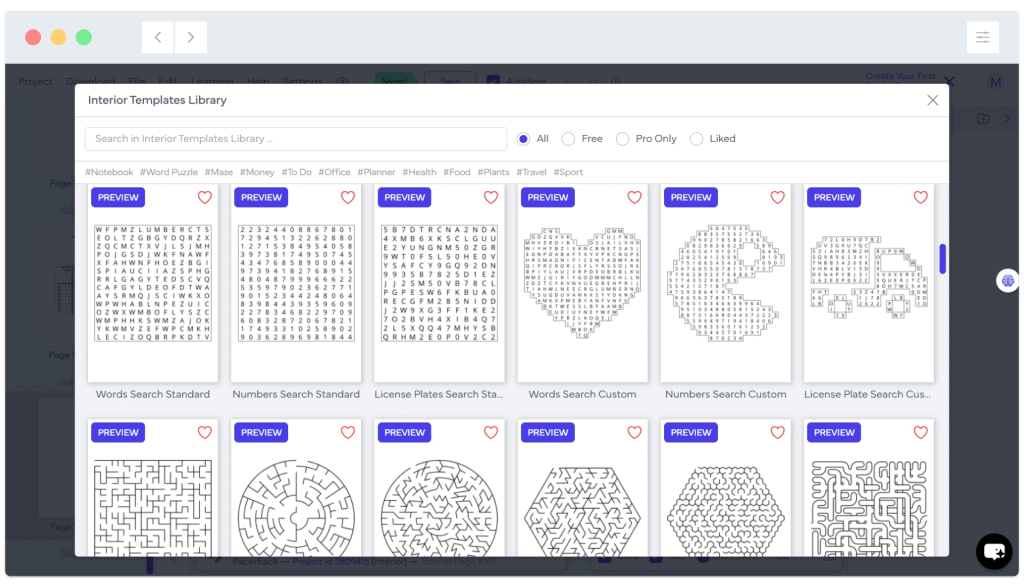
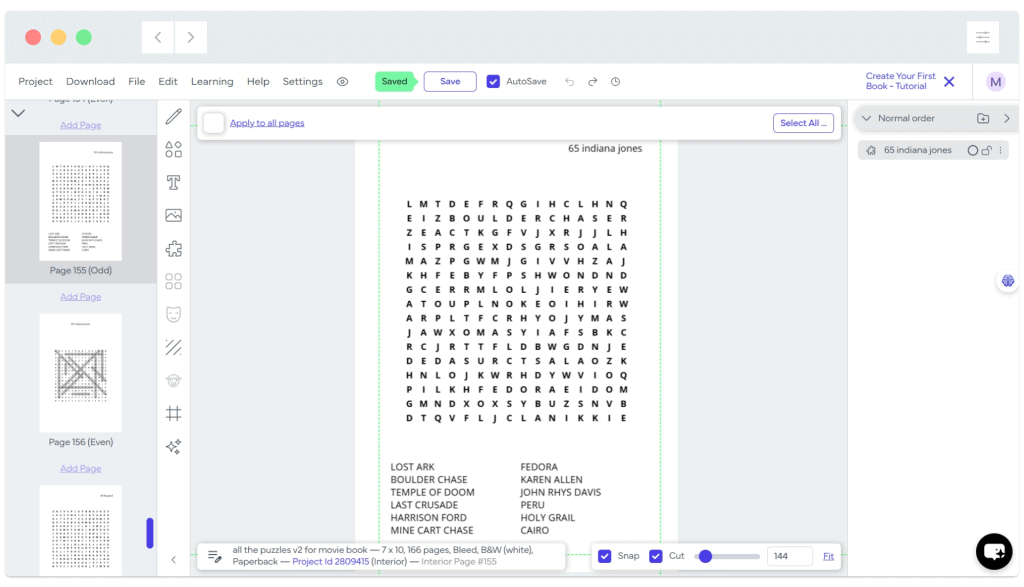
Note: A book bolt subscription provides far more than the puzzle builder used in this series – It can also help you research book topics and suggest keywords to improve the visibility of a published book. More information about Book Bolt Studio
To create a cover for the book, you could use cover templates available in Book Bolt, use an AI image generator or create your own from scratch with any image editor that supports layers. We’re going to create the cover from scratch later in this series, using Paintshop Pro and Photoshop.
We ‘ll assemble the book manuscript in Word, as it provides plenty of flexibility for laying out text and images and offers easy, accurate PDF export. The ability to export to PDF is essential as this type of file is required to upload the book ‘file ‘manuscript’ to KDP – You cannot upload a Word file (or any other type of file) directly. It is possible to generate an entire puzzle book using only Book Bolt Studio if you prefer, though you may find the included templates limit your creativity.
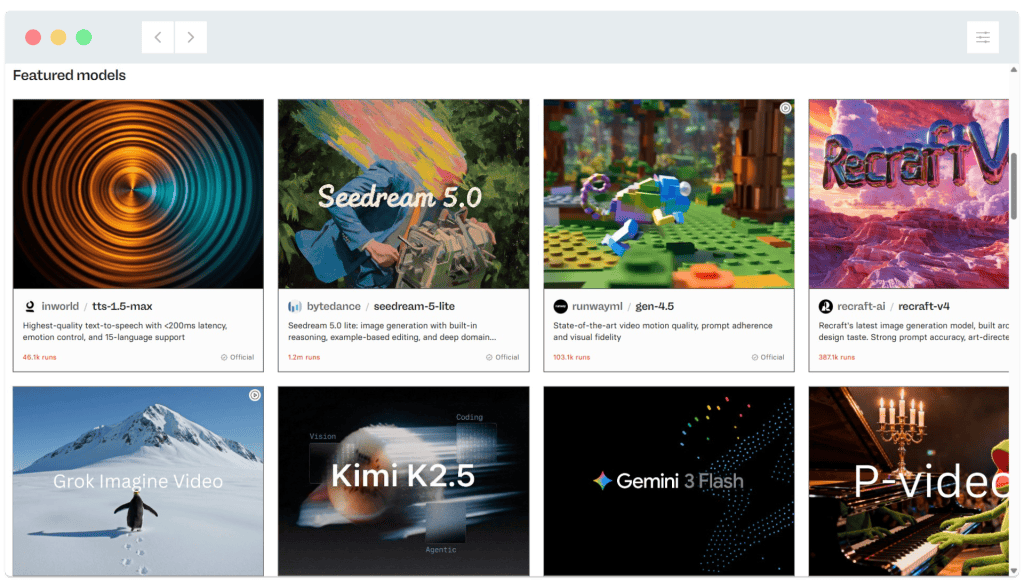
Any AI image generation app can be used to create images to illustrate. As we’re creating a premium wordsearch book, we want unique images to go with each and every puzzle. We’ll be using paid AI image models available at replicate.com (see screenshot below) to create puzzle number images and puzzle banner images for every page. ‘Paid’ AI models often offer more detailed control over image style, size and aspect ratio, which some ‘free’ generation tools may lack.
Amazon Kindle Direct Publishing (KDP) is a direct publishing platform. You can publish a physical book and/or eBook, and Amazon will print and despatch physical orders to buyers.. The puzzle book we create here was published at the end of April – Less than two months ago. There are no upfront costs to worry about or ‘gatekeepers’, but your submitted manuscript will be checked by a human, and this process can take up to 72 hours. You retain 100% rights and can set your own price (subject to minimum pricing based on printing cost plus Amazon’s commission – We’ll look at pricing towards the end of this series).
The design, building and publishing process in 2 minutes!
This creative design series is complete in six parts. Here’s the whole process from creating lists of movie-themed words through to publishing the book using Amazon KDP, in two minutes 🙂
The finished, published book
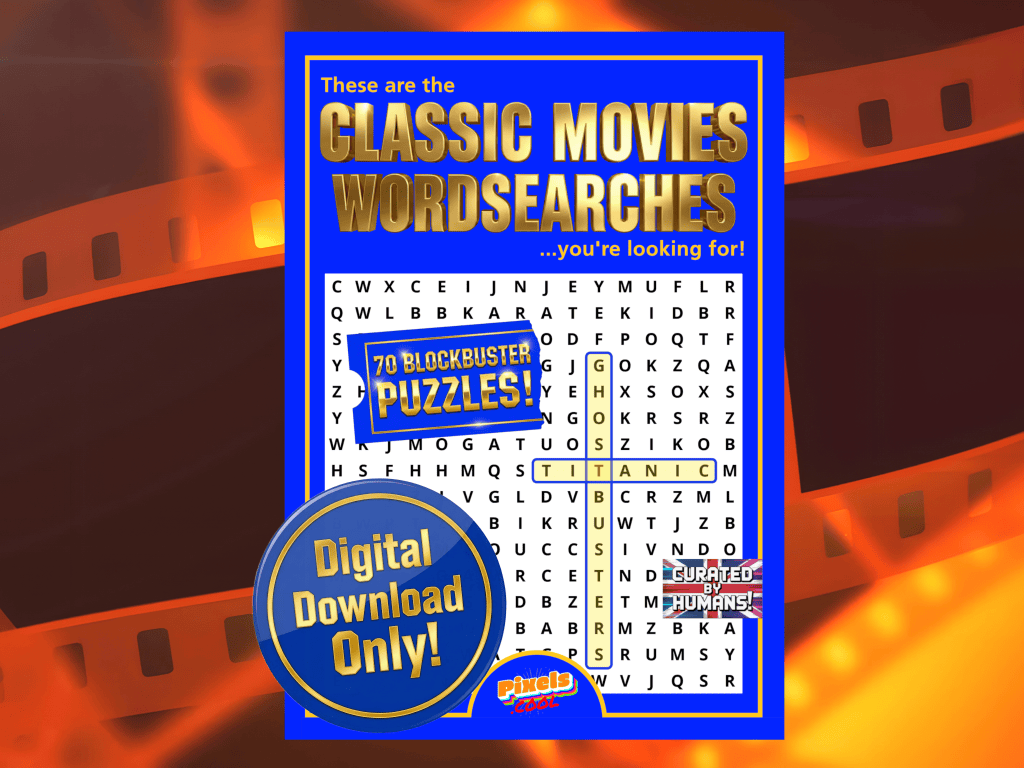
‘These are the Classic Movies Wordsearches you’re looking for’ is available now at Amazon!
…and as a digital download file from Etsy!
Need help? We’ve got you!
We have a dedicated support email address to provide assistance for this series:

If you have a question about any of the processes shown, please get in touch! You can also request copies of the wordsearch / image assets we use so you can try them for yourself!
Note: This email is for help relating to this series only, until the end of September 2026. We aim to reply within 72 hours, weekdays only. We cannot respond to unrelated queries via this account.
What’s next?
In part two of this series we’ll give step-by-step guidance for how to create a wordsearch puzzle using Book Bolt Studio. Join us in a few days’ time!
Notes and updates
There are no notes or advisories at this time. This page was first published in June 2026.
pixels.cool is not responsible for the content of external webpages or for software downloaded from third party sites. Links are included in good faith at the time of writing. All explainer / walkthrough content is compiled using processes and methods used by the Team. Modern applications offer many ways to accomplish a task, and for reasons of clarity we choose not to refer to multiple options. All computer users should run up to date virus / security software at all times to minimise the risk of data loss.
This is part 1 of 6 of this creative series. Make sure you check out the others!
